Level 2
Upload already reconciled transactions
Import fully classified transaction rows directly into the transaction ledger using the advanced CSV template.
- Who can do this
- Transaction edit access
- Last verified
- 2026-06-06
- Steps
- 4
- Product area
- Bookkeeping
Prepare these items.
- Use this only for already reviewed data.
- CSV headers match the template.
- UUID or GroupId values group split rows when needed.
Follow the workflow.
-
1
Download advanced template
Download the Reconciled Transactions CSV from Data templates.
Expected result The template supports signed Amount, explicit bank/detail amounts, and grouped split rows.
 Advanced CSV
Click target: Advanced CSV -
2
Prepare complete rows
Fill bank amount fields and matching detail fields. Each row needs Account, Type, and TaxRate.
Expected result No required column is blank.
Required headers
Click target: Required headers -
3
Open upload modal
Open Transaction and choose Upload Reconciled Transactions.
Expected result The upload modal appears.
Upload Reconciled
Click target: Upload Reconciled -
4
Upload and inspect
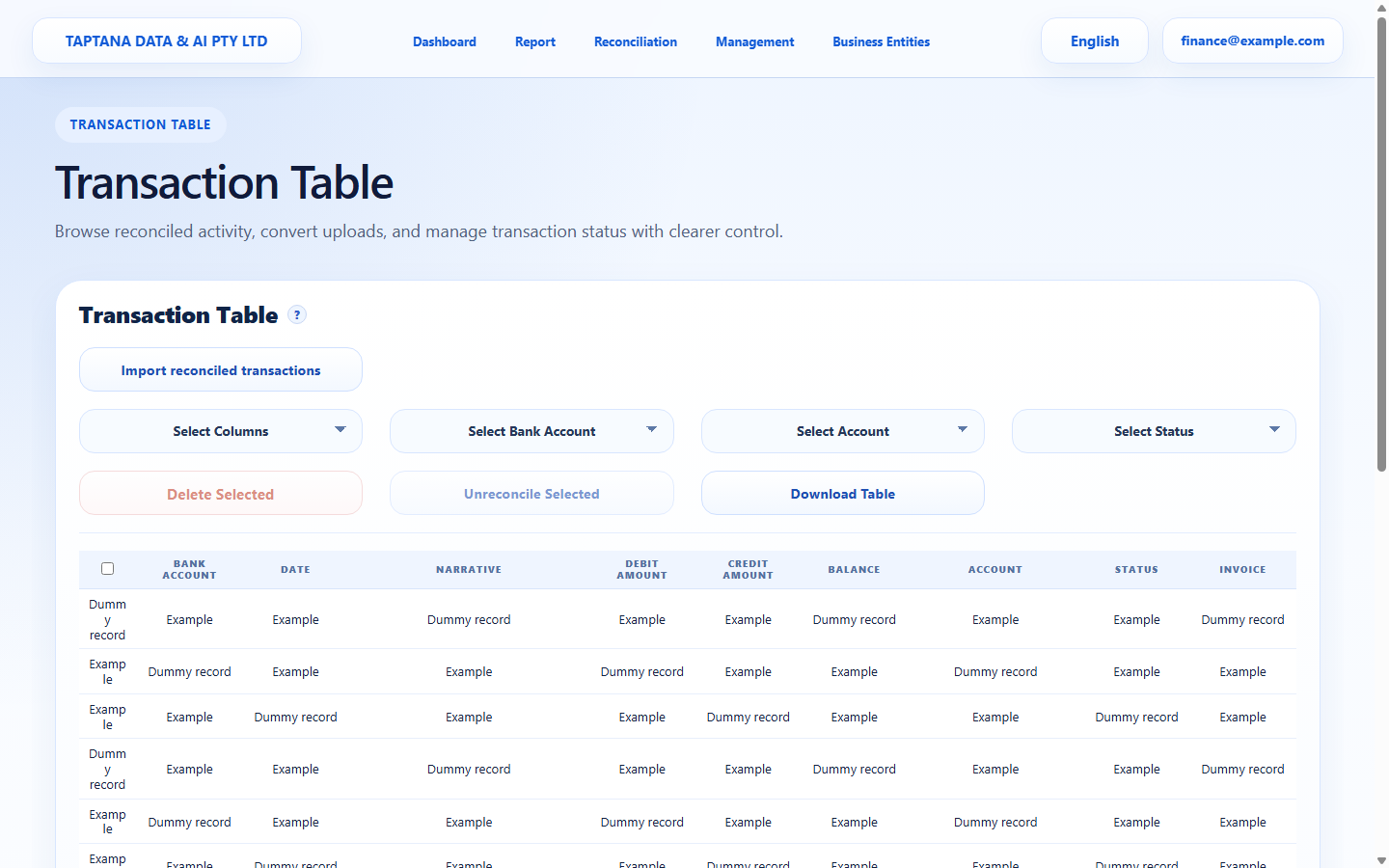
Upload the CSV, wait for the ledger, then search for an imported narrative.
Expected result Imported transactions are visible in the ledger.
Imported ledger rows
Click target: Imported ledger rows
Confirm before you finish.
- UUID or GroupId values group split rows correctly.
- Detail totals equal bank amount or derive it when bank totals are blank.
- Imported rows are visible in Transaction.
Recover without losing control.
- If upload fails, compare headers with the blank template.
- If coding is wrong, edit or unreconcile the imported row.
Reconciled transactions
UUID, GroupId, BankAccount, Date, Narrative, Amount, DebitAmount, CreditAmount, Account, DebitDetails, CreditDetails, Type, TaxRate