Level 2
Create one chart-of-accounts row
Add a single account so reconciliation, invoice coding, and reports can use the correct account and tax defaults.
- Who can do this
- Bookkeeping edit access
- Last verified
- 2026-06-06
- Steps
- 4
- Product area
- Bookkeeping
Prepare these items.
- Bookkeeping is enabled.
- Know the account code, name, type, and tax rate.
Follow the workflow.
-
1
Open Chart of Accounts
Open Management, then Chart of Accounts.
Expected result The account page opens without a loading state.
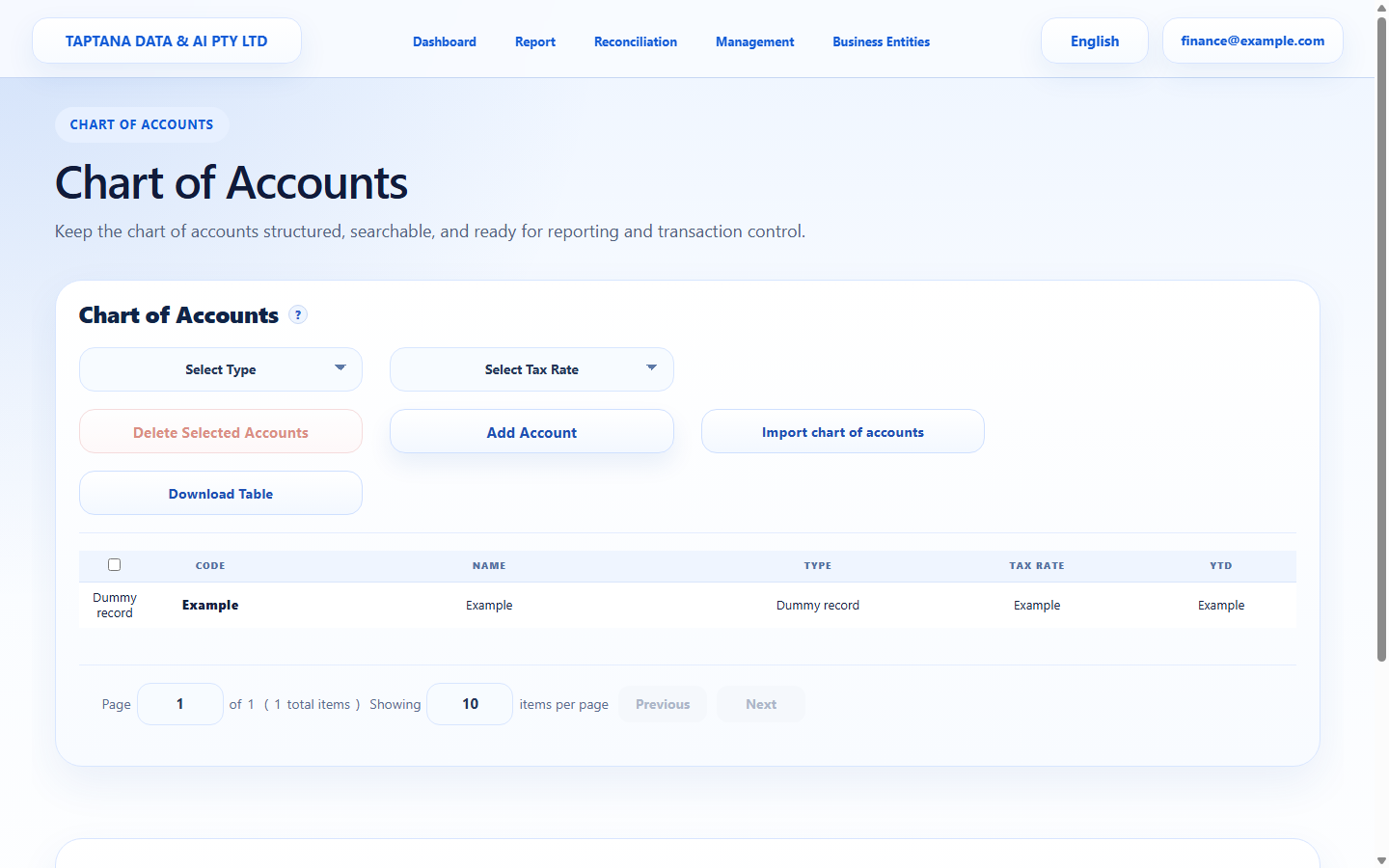 Chart of Accounts page
Click target: Chart of Accounts page -
2
Choose Add Account
Click Add Account and complete Code, Name, Type, TaxRate, and Description.
Expected result The save action becomes available once required fields are complete.
Add Account
Click target: Add Account -
3
Save account
Save the account and wait for the table to reload.
Expected result The new account appears in the account list.
Save Account
Click target: Save Account -
4
Check availability
Open a reconciliation or invoice coding field and confirm the new account can be selected.
Expected result The account is available for operational coding.
Account selector
Click target: Account selector
Confirm before you finish.
- Code and Name are unique.
- Type and TaxRate match the account's real use.
- The account appears in dropdowns.
Recover without losing control.
- If Save is disabled, complete the missing required field.
- If the account does not appear, refresh the page after saving.