Level 2
Submit STP and pull response
Understand the final STP submission and response-monitoring flow for authorised production users.
- Who can do this
- Authorised payroll/STP submitter
- Last verified
- 2026-06-06
- Steps
- 4
- Product area
- Payroll
Prepare these items.
- All validation is clear.
- Submission is authorised.
- This is not a training walkthrough.
Follow the workflow.
-
1
Final review
Review company, employee, pay event, declaration, and YTD values one final time.
Expected result No unresolved issue remains.
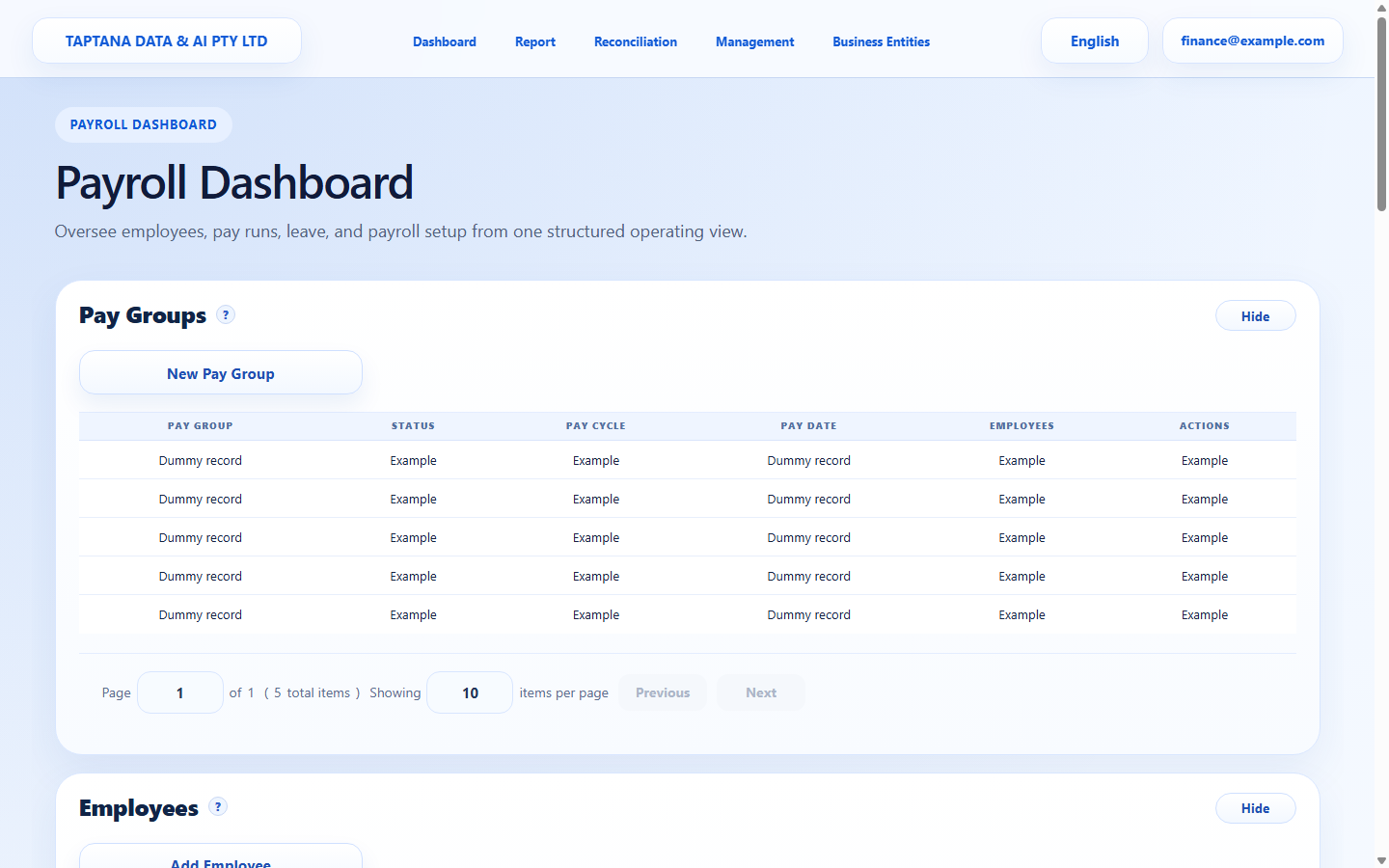 Final STP review
Click target: Final STP review -
2
Submit event
Click Submit only for authorised real submissions.
Expected result Submission status is recorded.
Submit STP
Click target: Submit STP -
3
Pull response
Use Pull Response to retrieve ATO response status after submission.
Expected result Response status and messages are visible.
Pull response
Click target: Pull response -
4
Act on response
If the response requires correction, follow the update/YTD correction workflow instead of editing submitted history.
Expected result Next action is clear.
Response messages
Click target: Response messages
Confirm before you finish.
- Submission status is recorded.
- Response is reviewed.
- Corrections use the documented update path.
Recover without losing control.
- If response is rejected, correct source data and submit the appropriate update.
- If response cannot be pulled, retry later and check transport status.