Level 2
Run finance reports after reconciliation
Use reports as a review surface after source transactions have been classified.
- Who can do this
- Report read access
- Last verified
- 2026-06-06
- Steps
- 4
- Product area
- Bookkeeping
Prepare these items.
- Transactions are reconciled.
- Reporting period is known.
- You understand source data changes happen in Transaction/Reconciliation.
Follow the workflow.
-
1
Choose a report
Open Report and select Profit and Loss, Balance Sheet, GST Summary, or Reconciliation Summary.
Expected result The selected report page opens.
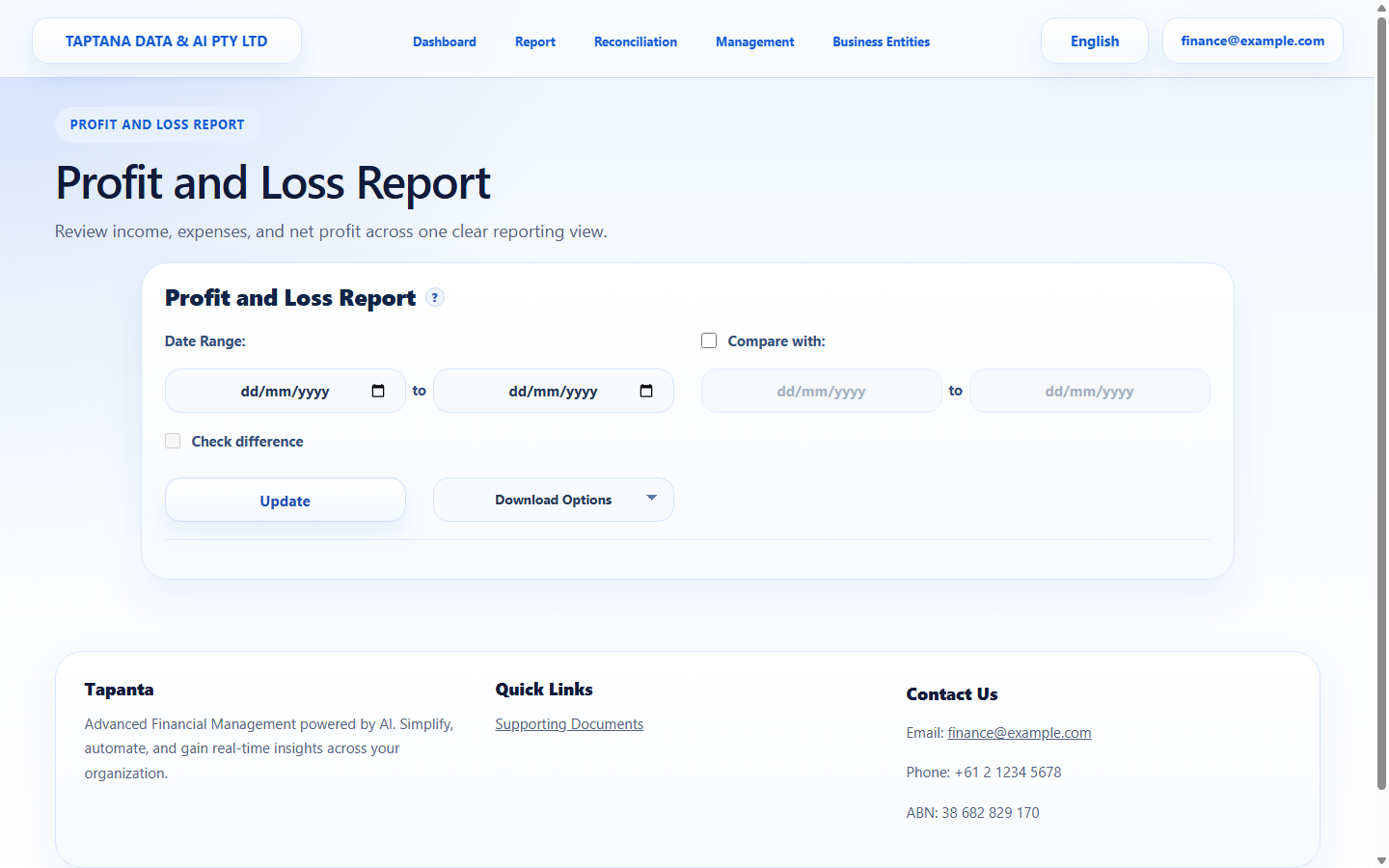 Report menu
Click target: Report menu -
2
Set the period
Enter start date, end date, and comparison options if needed.
Expected result The date period is visible.
Report filters
Click target: Report filters -
3
Update report
Click Update or Run and wait for the report data to load.
Expected result Report rows/totals appear.
Run report
Click target: Run report -
4
Investigate variances
If totals are unexpected, open Account Transaction or Bank Account Transaction and trace source rows.
Expected result Unexpected balances are traced to source transactions.
Source rows
Click target: Source rows
Confirm before you finish.
- Report period is correct.
- Source transactions are reviewed.
- Corrections happen in source workflows.
Recover without losing control.
- If a report is empty, confirm selected company and date range.
- If a balance is wrong, inspect account transaction detail.