Reconcile one transaction
Review one bank row, choose the correct account/tax treatment, and move it into the transaction ledger.
- Who can do this
- Reconciliation edit access
- Last verified
- 2026-06-06
- Steps
- 5
- Product area
- Bookkeeping
Prepare these items.
- The bank row is in the queue.
- The correct account exists.
- You know the tax treatment.
Follow the workflow.
-
1
Find the row
Open Reconciliation and locate the transaction by date, narrative, or amount.
Expected result The exact bank row is visible.
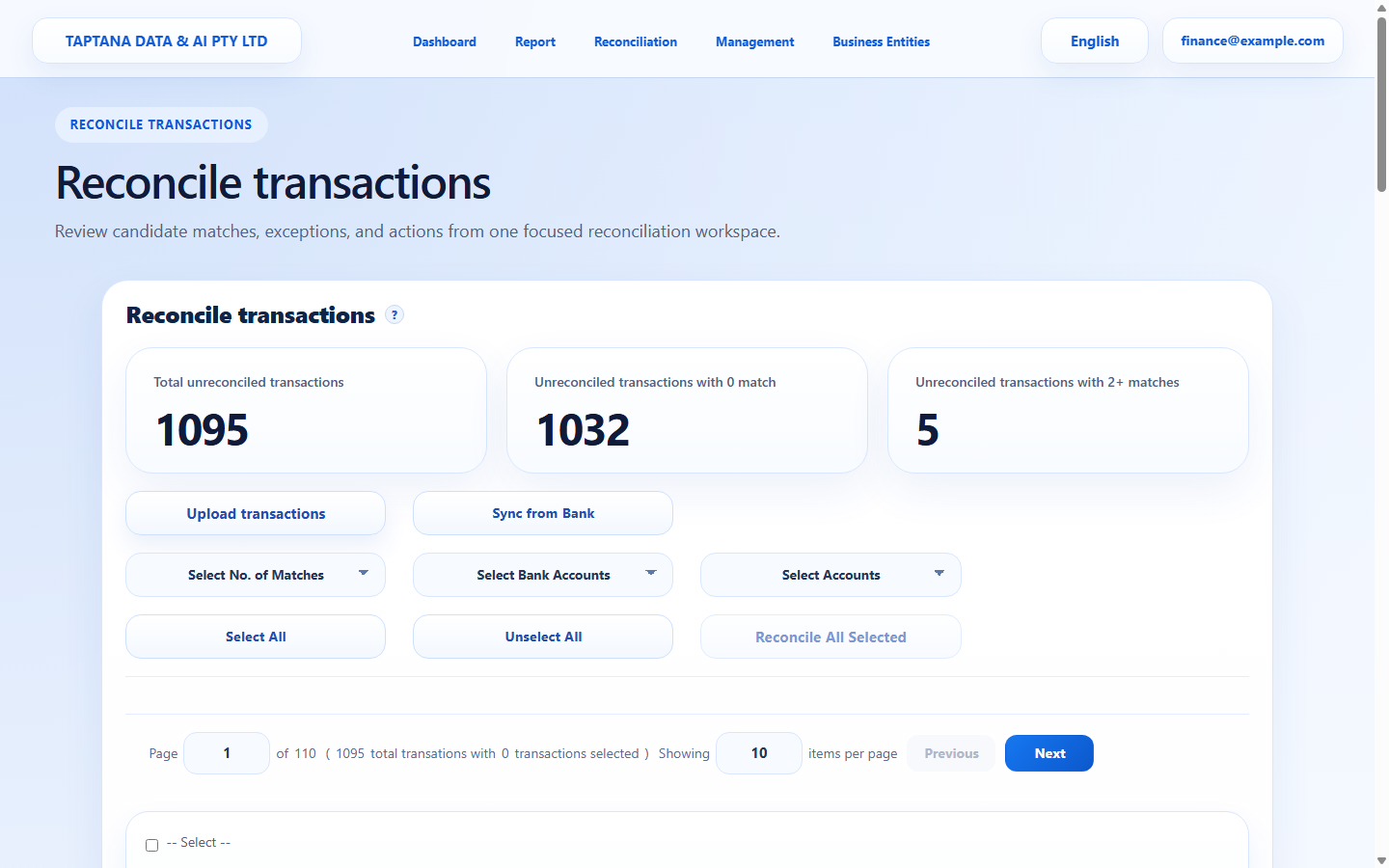 Transaction row
Click target: Transaction row -
2
Review bank evidence
Check bank account, date, narrative, debit amount, and credit amount before choosing any recommendation.
Expected result The row matches the bank statement.
Bank evidence
Click target: Bank evidence -
3
Choose account and tax
Select Account, Type, and TaxRate. Do not accept a suggestion if the evidence does not support it.
Expected result Coding fields are complete.
Classification fields
Click target: Classification fields -
4
Submit reconciliation
Click Reconcile for the row and wait for it to leave the queue.
Expected result The row is removed from the open queue.
Reconcile
Click target: Reconcile -
5
Confirm in Transaction
Open Transaction and search for the same narrative or amount.
Expected result The reconciled transaction appears in the ledger.
Transaction ledger
Click target: Transaction ledger
Confirm before you finish.
- Account and tax rate are correct.
- Detail totals equal bank amount.
- Transaction ledger contains the reconciled row.
Recover without losing control.
- Use Edit Transaction to correct coding.
- Use Unreconcile if the transaction must return to the queue.