Level 2
Edit or unreconcile a transaction
Correct a transaction that has the wrong account, tax, details, or should return to reconciliation.
- Who can do this
- Transaction edit access
- Last verified
- 2026-06-06
- Steps
- 4
- Product area
- Bookkeeping
Prepare these items.
- You know the transaction UUID, narrative, or amount.
- You know the corrected account and tax treatment.
Follow the workflow.
-
1
Open Transaction
Open Report, then Transaction. Search for the transaction by narrative, date, amount, or invoice number.
Expected result The target transaction appears.
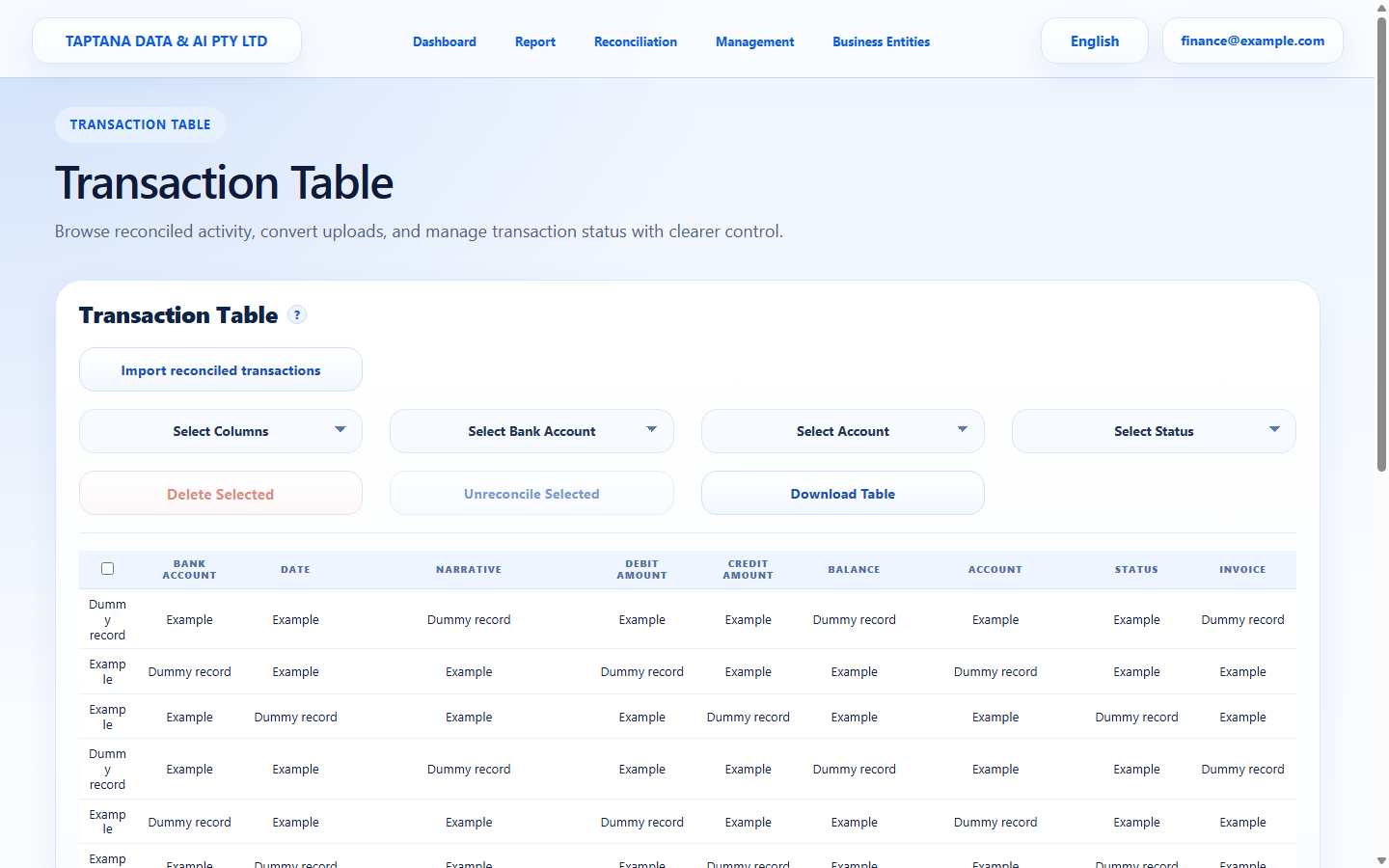 Search transaction
Click target: Search transaction -
2
Open edit
Use the row edit/detail control to open the transaction detail.
Expected result Editable transaction fields are visible.
Edit row
Click target: Edit row -
3
Correct details
Change account, tax rate, detail amount, or narrative only with supporting evidence.
Expected result The corrected values balance.
Transaction fields
Click target: Transaction fields -
4
Save or unreconcile
Save the corrected transaction, or choose Unreconcile if it needs to return to the reconciliation queue.
Expected result The transaction is updated or returned to Reconciliation.
Save / Unreconcile
Click target: Save / Unreconcile
Confirm before you finish.
- The transaction balances.
- Tax treatment is correct.
- Unreconciled items reappear in the queue.
Recover without losing control.
- If you cannot edit, confirm your permission.
- If the save fails, check required fields and numeric values.