Level 2
Edit or delete a customer
Maintain customer details and remove records only when they should no longer be used for new invoices.
- Who can do this
- Customer edit access
- Last verified
- 2026-06-06
- Steps
- 3
- Product area
- Invoicing
Prepare these items.
- Know the updated customer details.
- Confirm whether existing invoices depend on the record.
Follow the workflow.
-
1
Find the customer
Open Customer and search by customer name or email.
Expected result The customer row is visible.
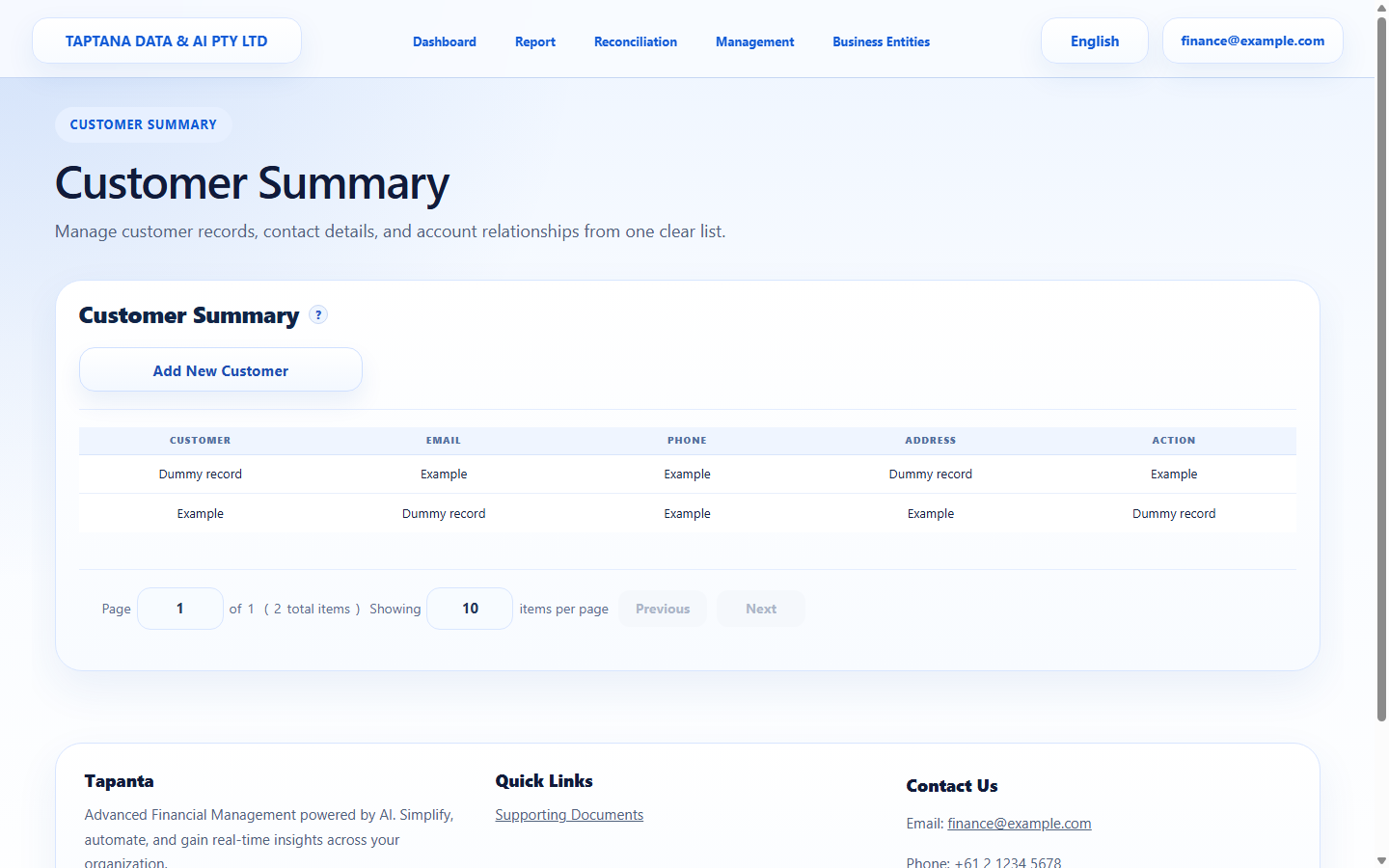 Search customer
Click target: Search customer -
2
Edit details
Use Edit to update email, phone, ABN, or billing address, then save.
Expected result Updated details show in the list.
Edit customer
Click target: Edit customer -
3
Delete when safe
Use Delete only when the customer should not be available for new invoices.
Expected result The customer is removed or no longer active.
Delete customer
Click target: Delete customer
Confirm before you finish.
- Future invoices use the updated details.
- Records are not duplicated.
- Deletion is deliberate.
Recover without losing control.
- If Delete is blocked, keep the record and stop selecting it for new invoices.
- If sent invoice details were wrong, follow the invoice correction process.