Level 2
Create or update an STP event
Prepare STP from approved payroll and review validation before any ATO-facing action.
- Who can do this
- Authorised payroll/STP user
- Last verified
- 2026-06-06
- Steps
- 4
- Product area
- Payroll
Prepare these items.
- Company STP details are complete.
- Employee STP/tax fields are complete.
- Payslips are approved.
Follow the workflow.
-
1
Open payroll/STP area
Open Payroll and find the STP action area for approved payroll.
Expected result STP controls are visible.
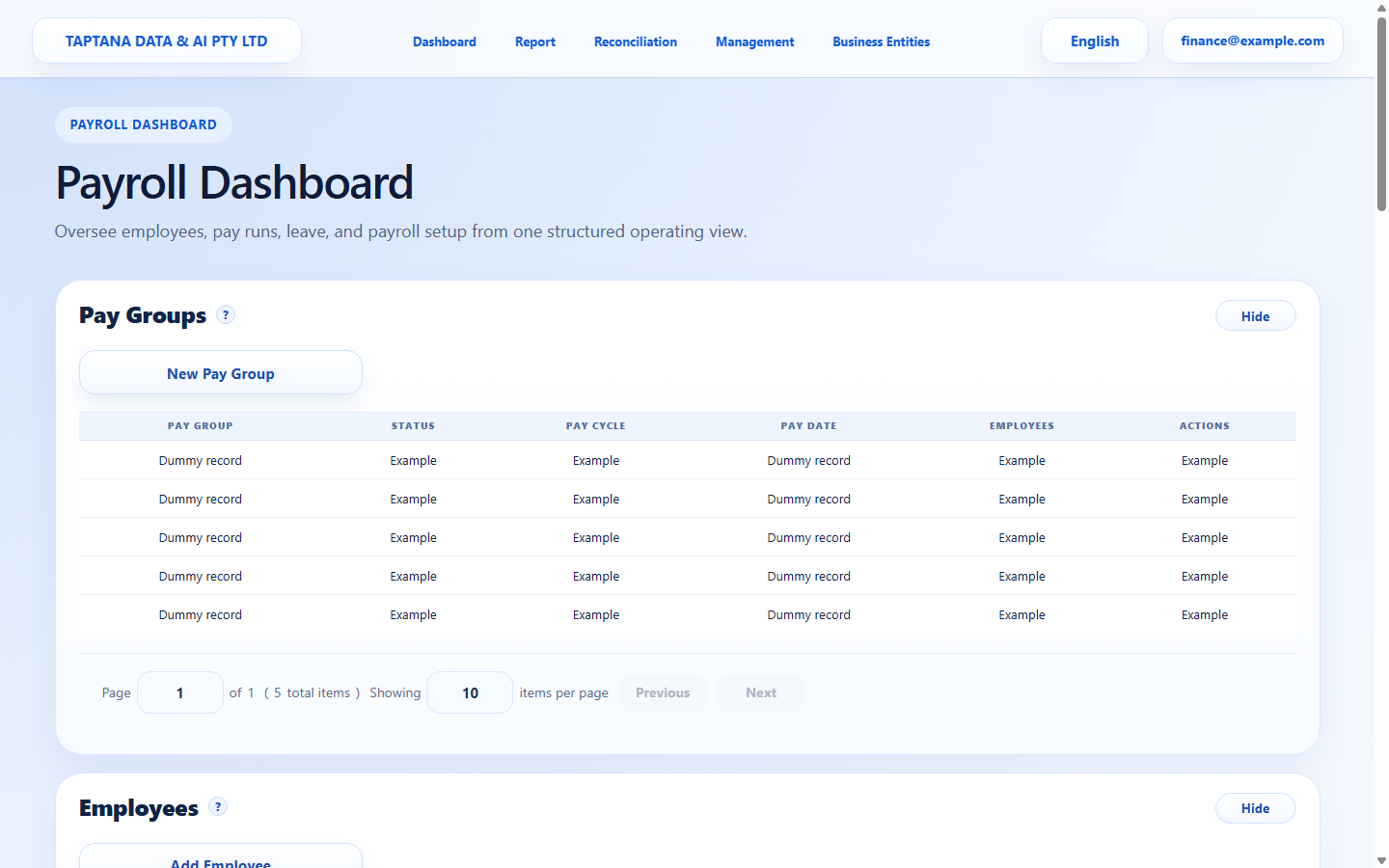 STP area
Click target: STP area -
2
Create/update event
Use Create/Update STP Event to prepare the event data.
Expected result Validation messages or event summary appears.
Create / Update
Click target: Create / Update -
3
Review validation
Read every validation message. Correct company, employee, or payslip source data rather than bypassing the issue.
Expected result No unresolved blocking validation remains.
Validation messages
Click target: Validation messages -
4
Hold before submission
Stop here unless this is an authorised real submission. The Help Centre walkthrough does not submit STP.
Expected result Event is reviewed but not submitted.
Do not submit in training
Click target: Do not submit in training
Confirm before you finish.
- Only approved payroll is included.
- Validation is resolved at source.
- No training submission is sent.
Recover without losing control.
- If validation fails, correct source data and recreate/update the event.
- If the wrong payroll is included, review payslip approval status.