Try Demo Login
Level 2

Approve a payslip

Approve a payslip only after final payroll review, because approval creates downstream payroll, bookkeeping, and STP-ready snapshots.

Who can do this
Payroll approval access
Last verified
2026-06-06
Steps
4
Product area
Payroll
Before you start

Prepare these items.

  • Payslip draft is complete.
  • Employee and pay group setup have been reviewed.
  • You are ready for downstream payroll effects.
Important details

Understand the fields before changing them.

Approval checklist

  • Employee identity, tax, bank, super, pay setup, leave, and pay items are complete.
  • Gross, PAYG, super, leave, deductions, reimbursements, net pay, and YTD values have been reviewed.
  • No unsaved-change or blocking review-card warnings remain.
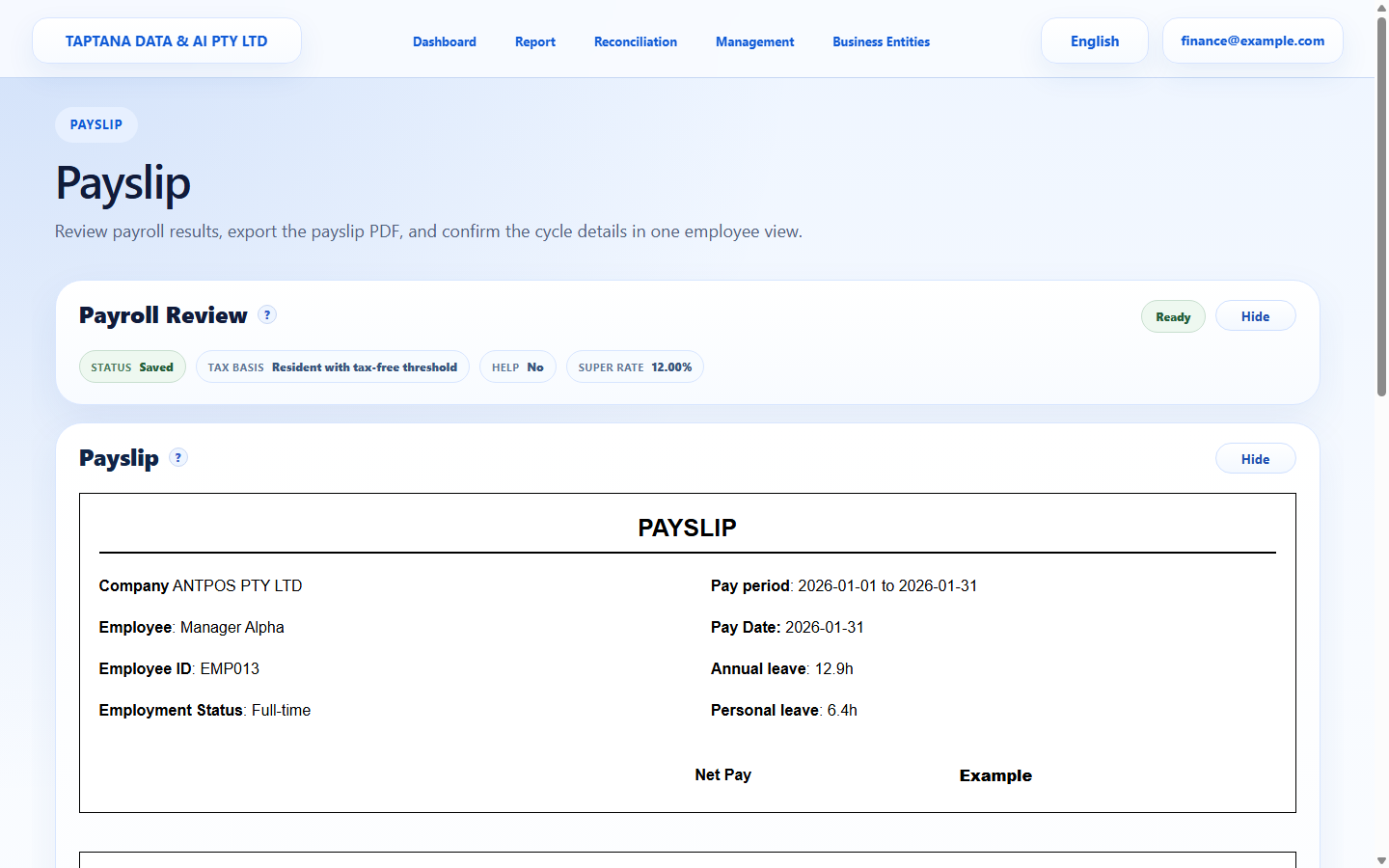
After approval

  • Approved payslips are treated as payroll history and can feed downstream reporting/STP logic.
  • Corrections should use the documented correction/update path rather than editing submitted history.
  • Emailing the payslip should be separate from approval and must use the correct employee email.
Steps

Follow the workflow.

  1. 1

    Open the draft

    Open the saved payslip draft for the employee and pay cycle.

    Expected result Draft payslip detail opens.

    Open the draft screenshot Draft payslip
    Click target: Draft payslip
  2. 2

    Review all totals

    Check gross earnings, PAYG, super, leave, deductions, reimbursements, and net pay.

    Expected result All values are ready.

    Review all totals screenshot Review totals
    Click target: Review totals
  3. 3

    Resolve review warnings

    Use the review panel to resolve tax, super, leave, or unsaved-change warnings before approval.

    Expected result No blocking warnings remain.

    Resolve review warnings screenshot Review warnings
    Click target: Review warnings
  4. 4

    Approve

    Click Approve only when the payslip is final for this payroll cycle.

    Expected result Payslip status becomes Approved.

    Approve screenshot Approve
    Click target: Approve
Final checks

Confirm before you finish.

  • Approved status is visible.
  • Downstream bookkeeping/STP snapshots are expected.
  • YTD values are understood.
If something goes wrong

Recover without losing control.

  • If approved too early, follow the correction/update path rather than editing submitted history.
  • If approval is blocked, complete review-card issues.
Related scenarios