Try Demo Login
Level 2

Use manual upload while Bank Feed is coming soon

Bank Feed is not ready for production connection; use manual CSV upload and reconciliation until the product releases live bank connection.

Who can do this
Bookkeeping access
Last verified
2026-06-06
Steps
4
Product area
Banking
Before you start

Prepare these items.

  • Bookkeeping is enabled.
  • You have bank statement CSV data.
Important details

Understand the fields before changing them.

Current status

  • Open Banking / Bank Feed should be treated as coming soon.
  • Do not enter bank credentials or attempt a live connection from training guidance.
  • Manual bank transaction CSV upload is the current intake path.
Steps

Follow the workflow.

  1. 1

    Open Bank Feeds

    Open Management, then Bank Feeds. Confirm the page is informational/coming soon.

    Expected result No real connection is required.
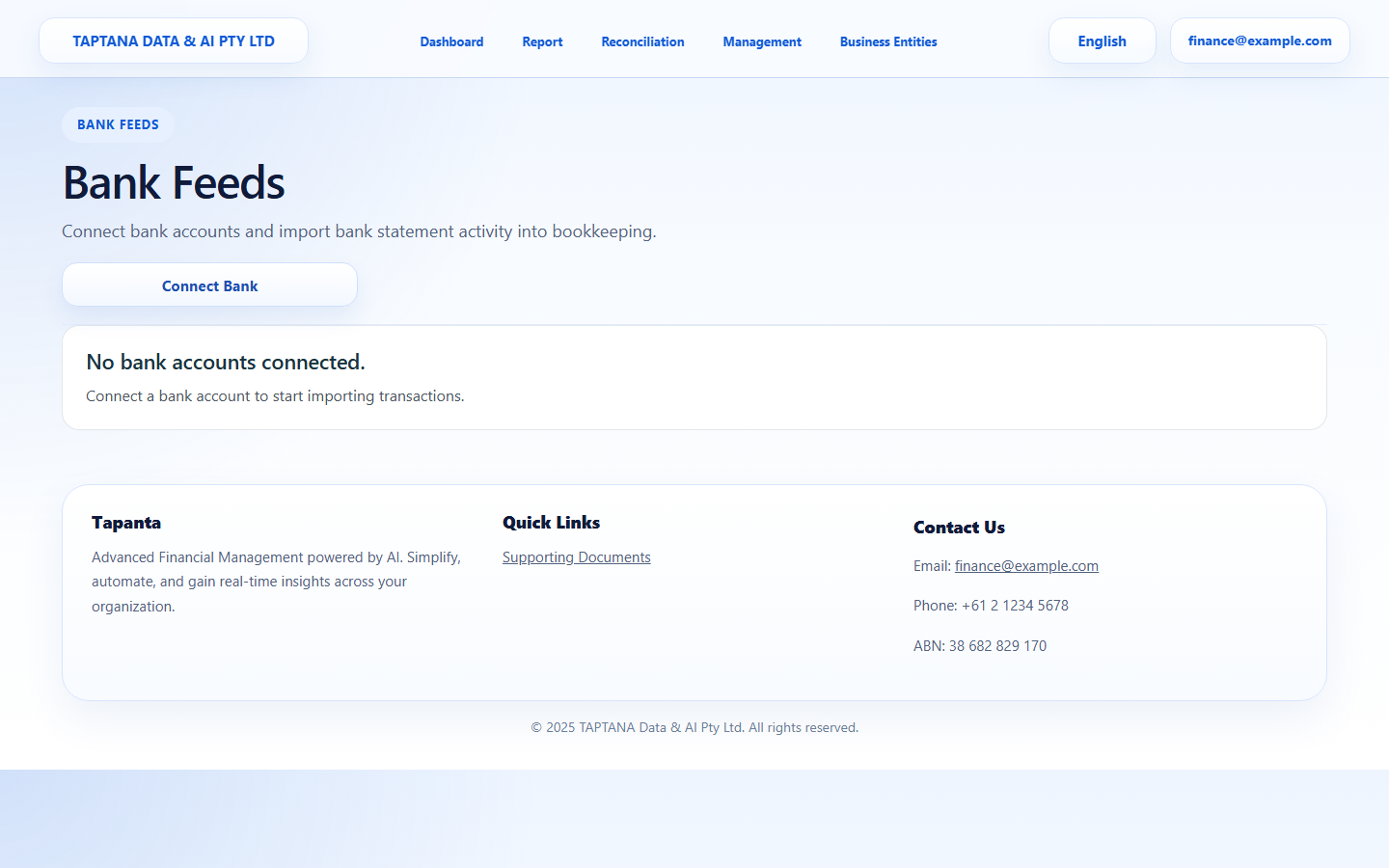
    Open Bank Feeds screenshot Bank Feeds
    Click target: Bank Feeds
  2. 2

    Do not connect bank

    Do not attempt a live bank connection until the feature is released.

    Expected result No bank credentials are entered.

    Do not connect bank screenshot Coming soon
    Click target: Coming soon
  3. 3

    Use CSV upload

    Go to Help Centre Data templates and download Bank Transactions CSV.

    Expected result Manual upload path is ready.

    Use CSV upload screenshot Bank CSV
    Click target: Bank CSV
  4. 4

    Upload through Reconciliation

    Use the Upload bank transactions guide to bring transactions into the reconciliation queue.

    Expected result Transactions can still be reconciled manually.

    Upload through Reconciliation screenshot Upload New Transactions
    Click target: Upload New Transactions
Final checks

Confirm before you finish.

  • No bank connection is attempted.
  • Manual CSV upload works as the current intake path.
If something goes wrong

Recover without losing control.

  • If the Bank Feed page appears interactive, treat it as not ready unless release notes say otherwise.
  • Use bank transaction CSV for current workflows.
Related scenarios